Freehub Type Drives Cassette Compatibility
Cassette compatibility depends on the freehub body type installed on the wheel and whether it matches your cassette standard. In plain terms, the interface comes first. If the freehub body is built for Shimano HG, XD, XD-R, Microspline, Campagnolo ED, N3W, or Singlespeed, that determines which cassette family can mount to the wheel.
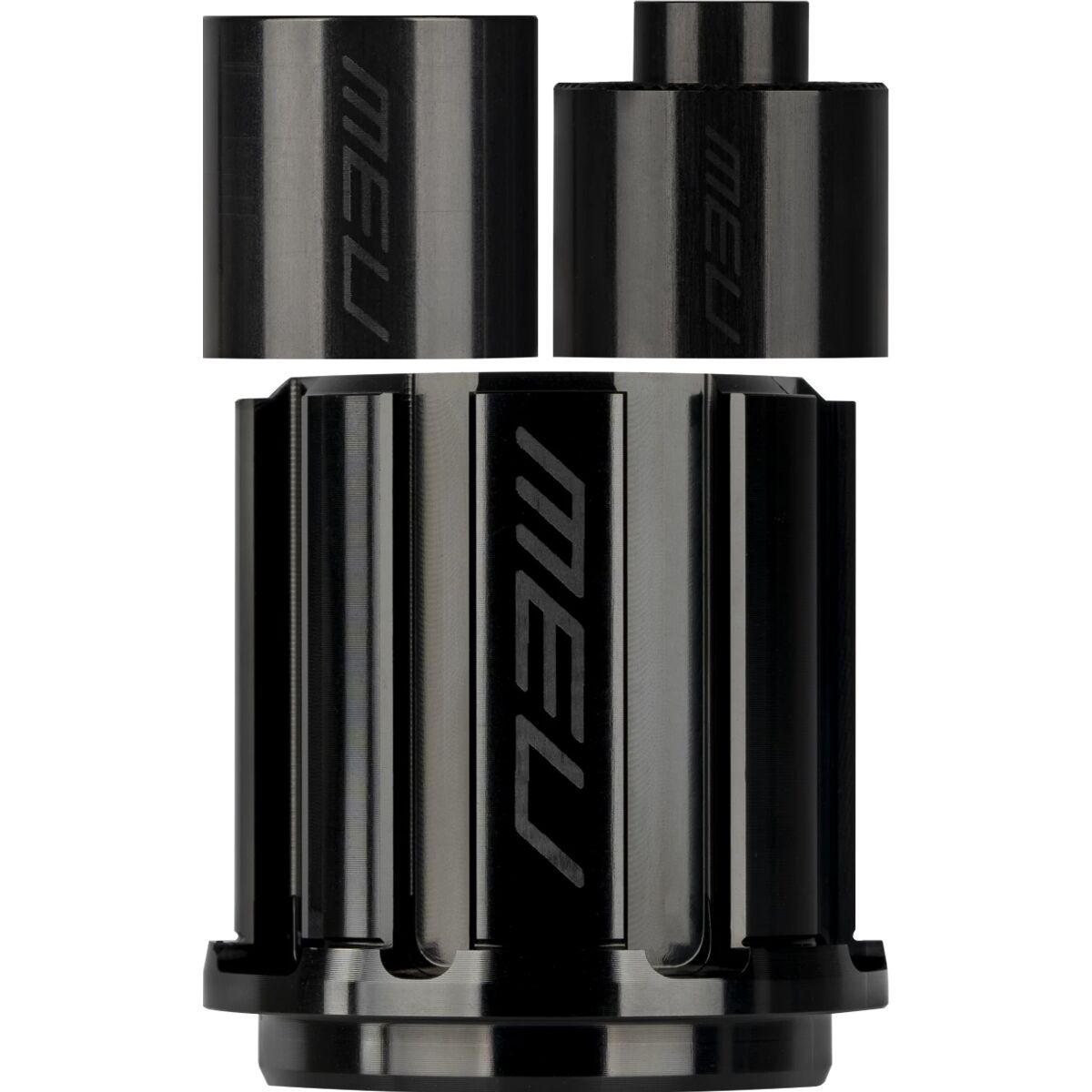
That’s why the Mavic Freewheel Body matters. It is designed to cover Mavic’s different freewheel mechanisms—ID360, ITS4, and FTS-L—along with a wide range of cassette standards. So when you’re sorting out a setup, start by identifying two things before anything else: the mechanism your wheel uses and the cassette standard your drivetrain requires.
If those two pieces line up, you’re on the right track for cassette fit. Even if your drivetrain speed matches, you still need the correct freehub standard for cassette fit. Think of the freehub body as the handshake between wheel and cassette: no clean handshake, no clean install.
- Step 1: Confirm your wheel’s freewheel mechanism.
- Step 2: Confirm your drivetrain’s cassette standard.
- Step 3: Choose the matching freehub body.
Why the Right Freehub Body Makes the Build Work
The big win with the Mavic Freewheel Body is flexibility where it counts. Instead of treating cassette compatibility like a guessing game in the garage, it gives you a way to match a Mavic wheel to the cassette standard your bike actually runs. That matters whether you’re replacing a worn setup or matching your wheel to your current cassette standard.
Its core benefit is broad compatibility across multiple Mavic freewheel mechanisms and numerous cassette standards. That means one category of part is built to address the real-world mix riders run into: ID360, ITS4, and FTS-L on the wheel side, and Shimano HG, XD, XD-R, Microspline, Campagnolo ED, N3W, and Singlespeed on the cassette side.
Less Guessing, Cleaner Compatibility
When the interface is right, the rest of the drivetrain conversation gets a lot simpler. You’re not trying to force a cassette onto the wrong standard or wondering why a speed-specific plan still doesn’t line up. The freehub body narrows the decision to the spec that actually controls fit.
- Mechanism-specific options help match the wheel correctly.
- Cassette-standard coverage supports a wide range of drivetrain formats.
- Replacement-focused design makes it easier to adapt or refresh a setup.
Short version: the right freehub body keeps your wheel and cassette speaking the same language, which is a lot smoother than mid-build translation work.
How to Choose the Correct Spec
Start with the wheel, not the cassette speed number. For this setup, the first thing to verify is which freewheel mechanism your wheel uses: ID360, ITS4, or FTS-L. Once that’s locked in, move to the drivetrain side and identify the cassette standard your bike needs, such as Shimano HG, XD, XD-R, Microspline, Campagnolo ED, N3W, or Singlespeed.
Start by confirming the wheel mechanism, then identify the cassette standard your drivetrain requires. Even if you know your drivetrain details, make sure the freehub body matches both the wheel mechanism and cassette standard. That’s the cleanest way to avoid a parts-bin plot twist nobody asked for.
Quick Compatibility Checklist
- Check the wheel mechanism: confirm whether your wheel uses ID360, ITS4, or FTS-L.
- Check the cassette interface: identify the standard required by your drivetrain.
- Match both sides: choose a freehub body that fits the wheel mechanism and the cassette standard.
If you’re swapping drivetrains or rebuilding a wheel setup, this is the cleanest path to compatibility. And if you want a second set of eyes before committing, a Gearhead® Expert can help you sort the spec maze without turning it into a full-on parts-bin scavenger hunt.
Get the Spec Right, Then Go Ride
At Backcountry, we’re into the details that actually matter on the trail, and freehub compatibility is one of them. It’s not flashy, but it’s the kind of spec that can make or break a drivetrain setup. When you’re matching a wheel to a cassette, the right call up front saves time, avoids workshop frustration, and gets your bike rolling the way it should.
That’s why we keep the focus on gear that solves real setup questions. The Mavic Freewheel Body is all about matching Mavic freewheel mechanisms with the cassette standards riders actually use, so you can build with more confidence and less second-guessing.
If you need help sorting through fit details, check the product specs before you commit. Clean specs, clean install, more ride time—that’s the whole point.
Why Buy the Mavic Freewheel Body from Backcountry?
When you’re dialing in cassette compatibility, Backcountry keeps the buying process simple with free 2-day shipping on orders $150+ for Summit Club+ members and a clear 90-day return policy that applies consistently across every brand it carries.
- Free 2-day shipping — on orders $150+ with Summit Club+, which helps remove friction when you need the right spec fast
- 90-day returns — one return process, so you’re not dealing with separate brand-by-brand policies
- Store credit beyond 90 days — returns are still accepted for store credit after the standard window
- Consistent across brands — whether your order includes one brand or several, the process stays the same and straightforward