Spacer Fit, Sorted
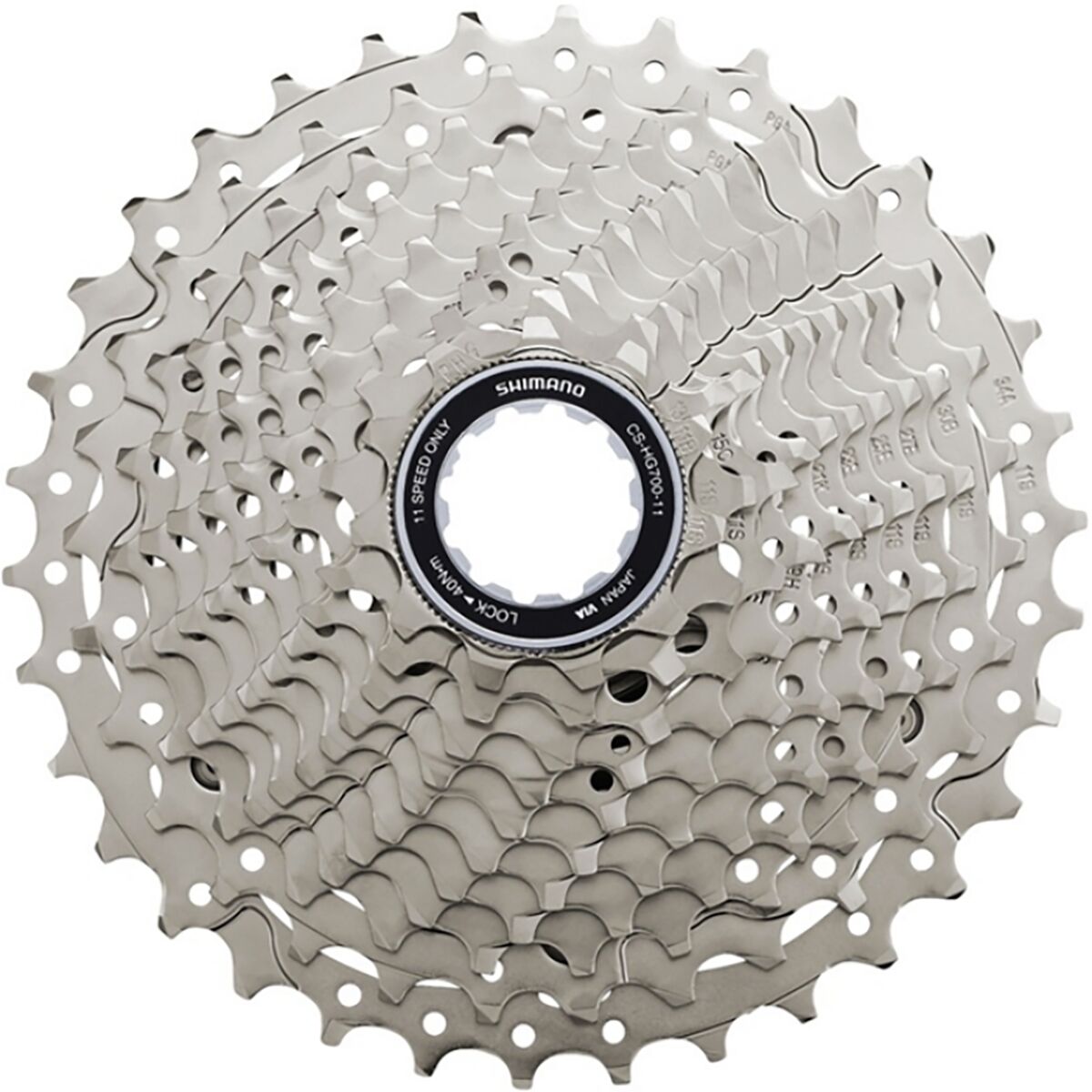
To verify spacer requirements on an HG 11-12-speed Mavic freehub, check whether your freehub body is 11-speed spaced. If it is, the Shimano 105 CS-HG700 Cassette uses the included spacer for that setup. If your wheel uses a 10-speed native road freehub, this cassette is designed to fit there as well, which is exactly why it works so well for riders repurposing older wheels without turning the install into a garage-floor puzzle.
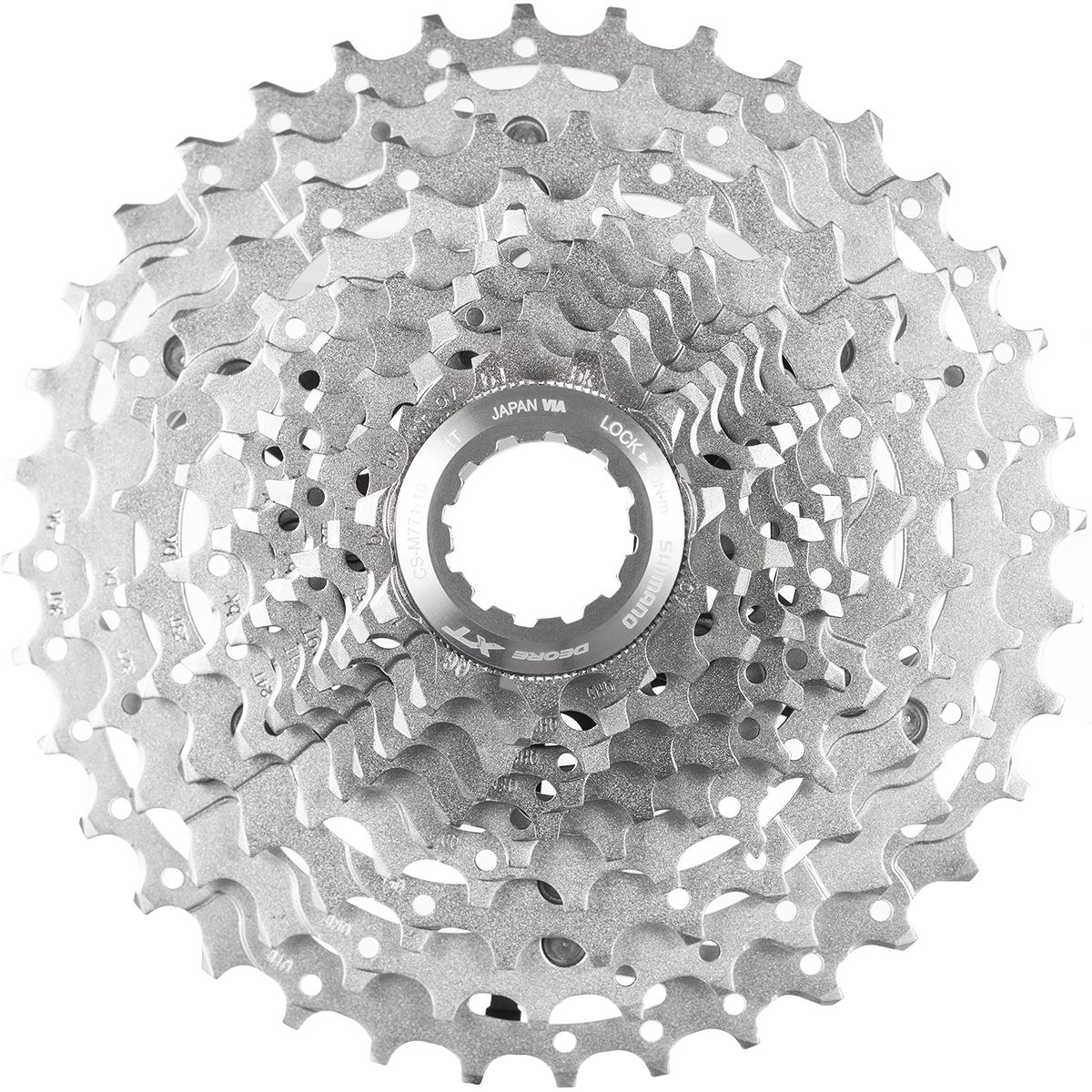
The key detail is that this cassette was built with flexible fitment in mind. Shimano designed it to mount on 10-speed native road freehubs, while also supplying a spacer for 11-speed spaced freehub bodies. The product description also notes compatibility with mountain hubs using 9 through 11-speed spaced freehubs, which broadens your options if your wheelset has lived a few different lives.
One more thing worth checking before you button everything up: drivetrain range. This cassette comes only in an 11-34 spread, and that means it requires a medium or long cage derailleur. A short cage won’t play nice here. So if your freehub spacing checks out and your derailleur capacity matches the range, you’re lined up for the smooth Hyperglide shifting Shimano is known for.
How to Check Spacer Requirements
Identify the freehub spacing. Start by confirming whether your freehub is an 11-speed spaced HG body. That’s the deciding factor for spacer use with this cassette.
Match the cassette fit standard. The Shimano 105 CS-HG700 Cassette is made to fit 10-speed native road freehubs and includes a spacer for 11-speed spaced freehub bodies. If your freehub is 11-speed spaced, plan on using the included spacer.
Check whether the wheel came from a mountain setup. This cassette also works with mountain hubs using 9 through 11-speed spaced freehubs, which can matter if the wheelset is being repurposed for gravel, touring, or cyclocross use.
Confirm your derailleur capacity. Before installation, make sure you’re not pairing the 11-34 range with a short cage derailleur. This cassette requires a medium or long cage to shift properly.
Install and verify fit. Once the cassette and spacer are in place as needed, check fit on the freehub body before tightening the lockring. A quick look here can save a lot of trail-side muttering later.
What You’re Really Verifying
You’re not just checking whether the cassette slides on. You’re confirming that the freehub spacing matches the cassette’s intended mounting setup, and that the rest of the drivetrain can support the 11-34 range. Get those two pieces right, and the install gets a whole lot smoother.
Why This Cassette Makes Compatibility Easier
The beauty of the Shimano 105 CS-HG700 Cassette is that it gives you room to work with the wheels you already have. Instead of locking you into one narrow hub standard, it’s designed for 10-speed native road freehubs and includes a spacer for 11-speed spaced freehub bodies. That opens the door for road, gravel, touring, and cyclocross builds where wheel reuse is part of the plan, not a compromise.
Built for Real-World Riding
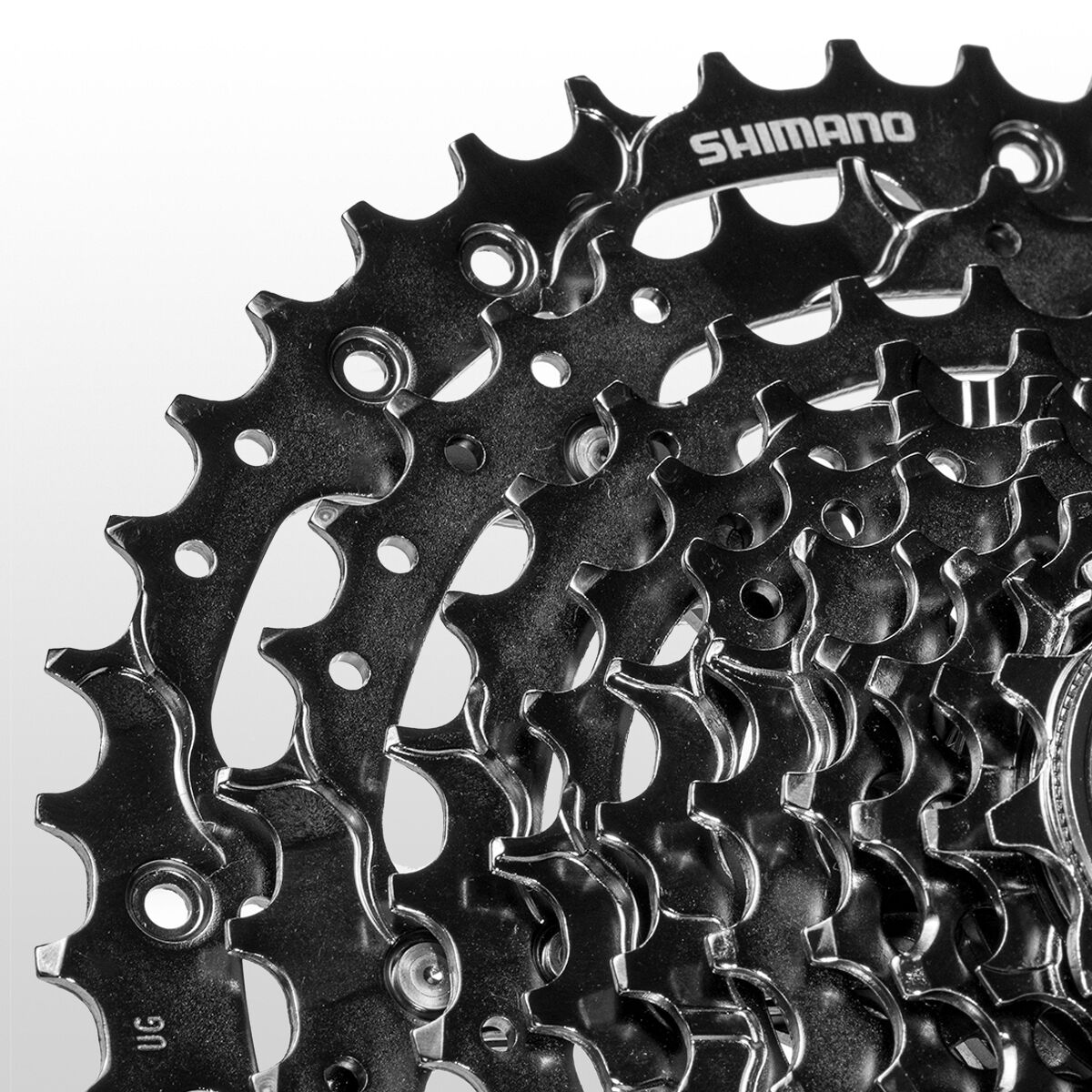
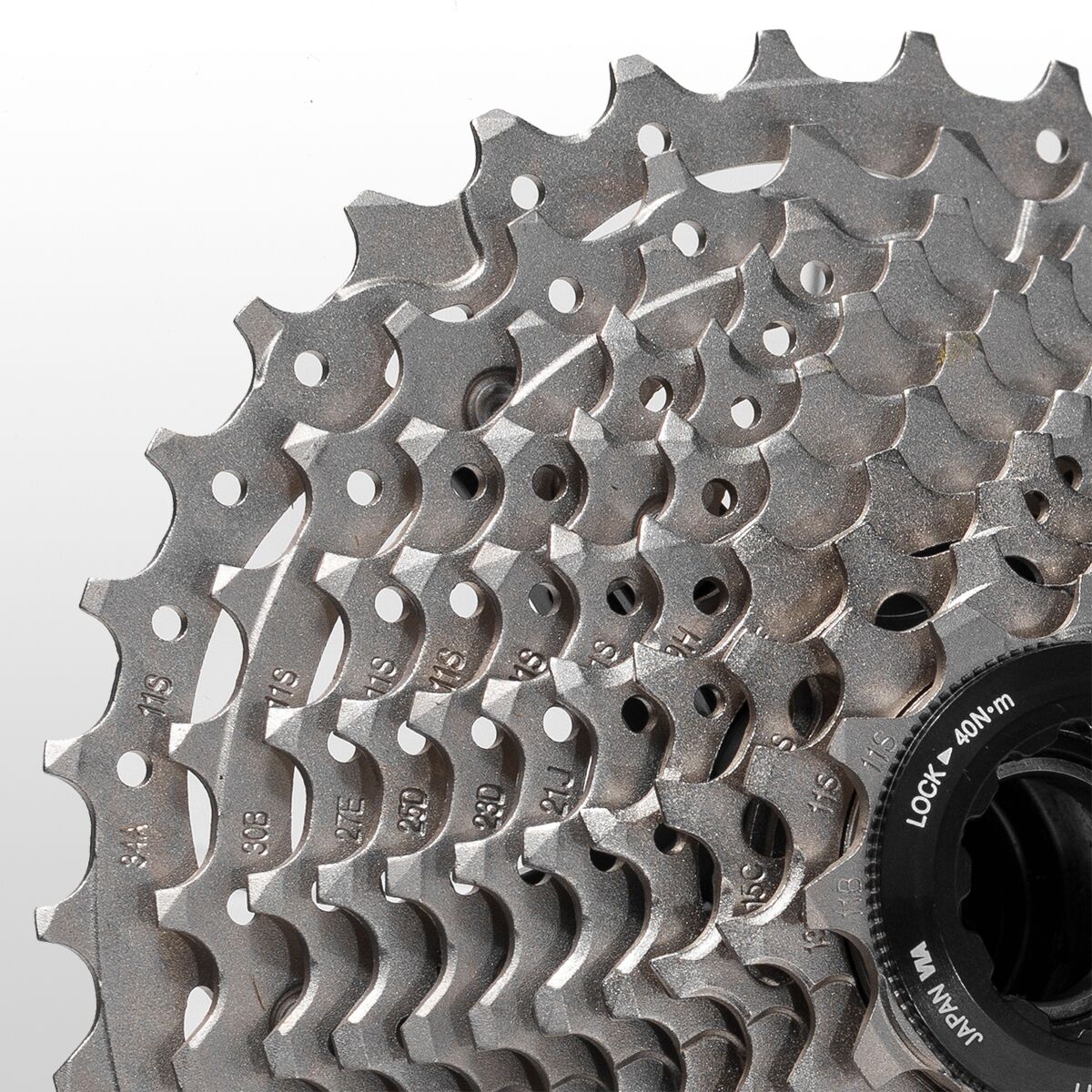
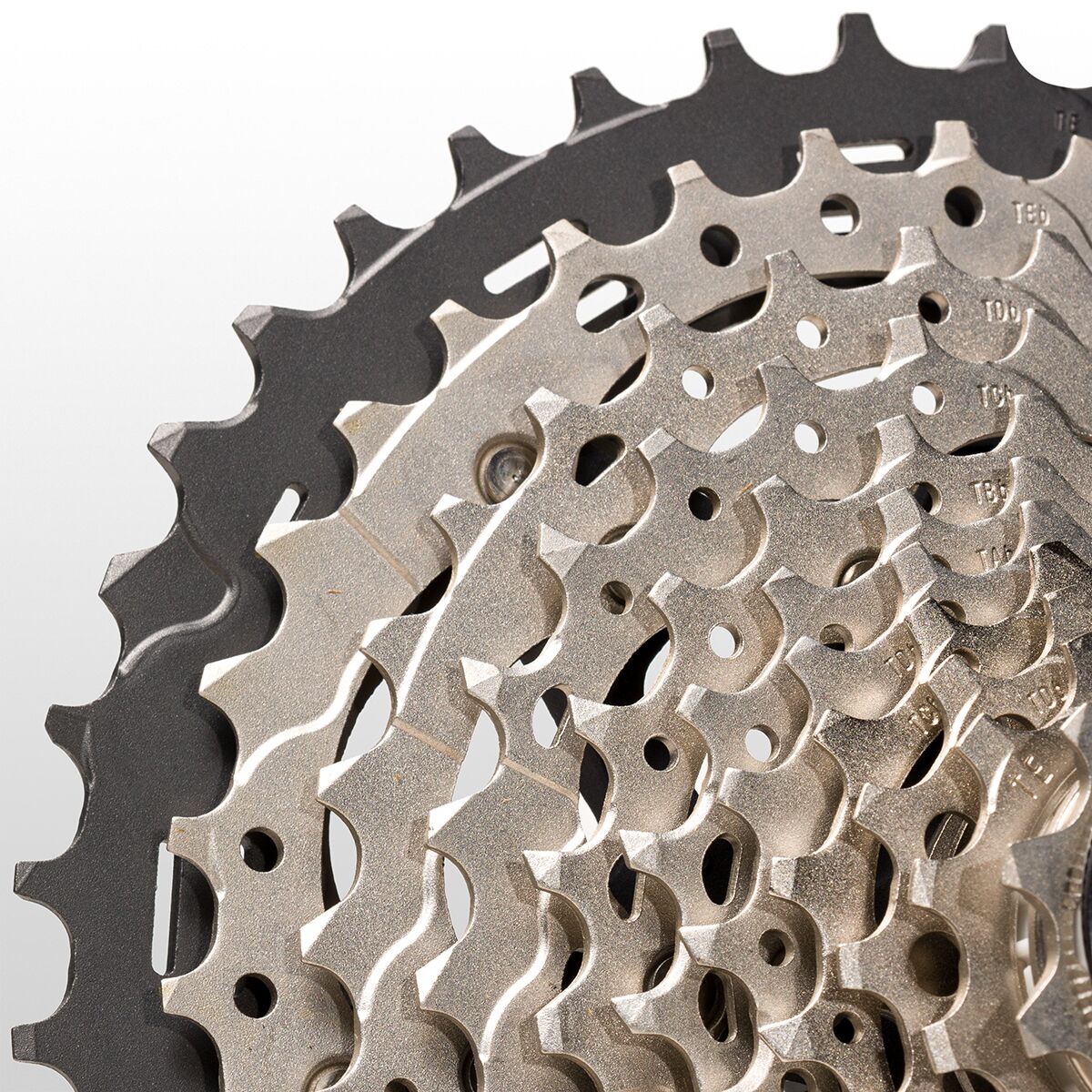
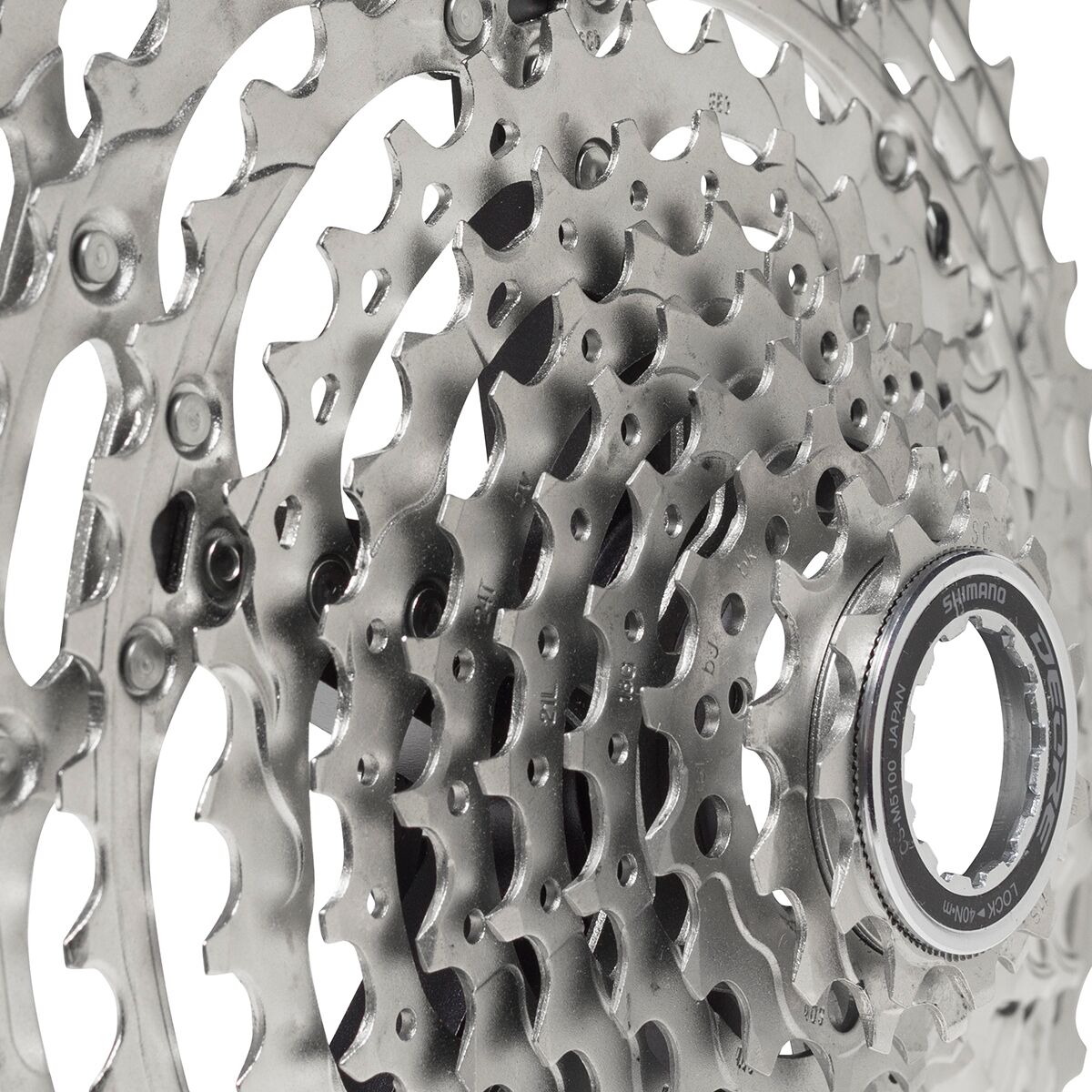
This cluster uses nickel-plated steel cogs, which means solid durability and corrosion resistance when rides get gritty. Shimano also brings its Hyperglide tooth shaping and shifting ramp design into the mix, helping deliver smoother gear changes across the range. Translation: less clunk, more cadence, and fewer excuses when the route tilts up.
Range That Keeps You Spinning
The 11-34 spread gives a wide enough range for mixed terrain and varied riding styles. Whether the bike is headed toward pavement, dirt, or a little of both, that gearing gives you more room to settle into the right rhythm. Just keep the setup honest with the right derailleur capacity, because this range is meant to run with a medium or long cage for proper shifting performance.
Why Shop Backcountry
Compatibility questions can get weird fast. One spacer, one freehub standard, one small mismatch—and suddenly your quick install turns into a full bench session. That’s where Backcountry comes in. When you’re sorting drivetrain details, a Gearhead® Expert can help you think through the setup before parts hit the freehub body, so you spend less time second-guessing and more time riding.
We’re here for the riders who care about clean shifting, smart upgrades, and getting more life out of the gear they already own. From road builds to gravel conversions, we keep the focus where it belongs: on components that work together and perform when the ride gets demanding. No fluff, no guesswork—just solid gear and sharp advice from people who are genuinely stoked on the details.
Why Buy the Shimano 105 CS-HG700 Cassette from Backcountry?
When cassette compatibility questions start stacking up, every purchase from Backcountry comes with access to a Gearhead — a Backcountry-employed outdoor expert who actually uses the gear they sell. Not a chatbot. Not a scripted support agent. Gearheads are matched to what you're shopping for and available via live chat, phone, or text anywhere in the US.
- Gear matching — help sorting details like freehub fit, spacer use, and whether the Shimano 105 CS-HG700 Cassette matches your setup and riding needs
- System building — support with drivetrain setups and multi-part builds across multiple brands, not just isolated products
- Sizing and fit — especially for technical gear where charts alone are not enough
- Honest comparisons — real opinions on two products side by side, including when the less expensive option is the right call
- Trip planning — gear recommendations for specific environments, elevations, and conditions
- Pre-purchase and post-purchase support — help before you buy to get it right the first time, not just after something goes wrong — reducing returns and increasing confidence